Turn Handwritten Notes into Polished Visual Artwork
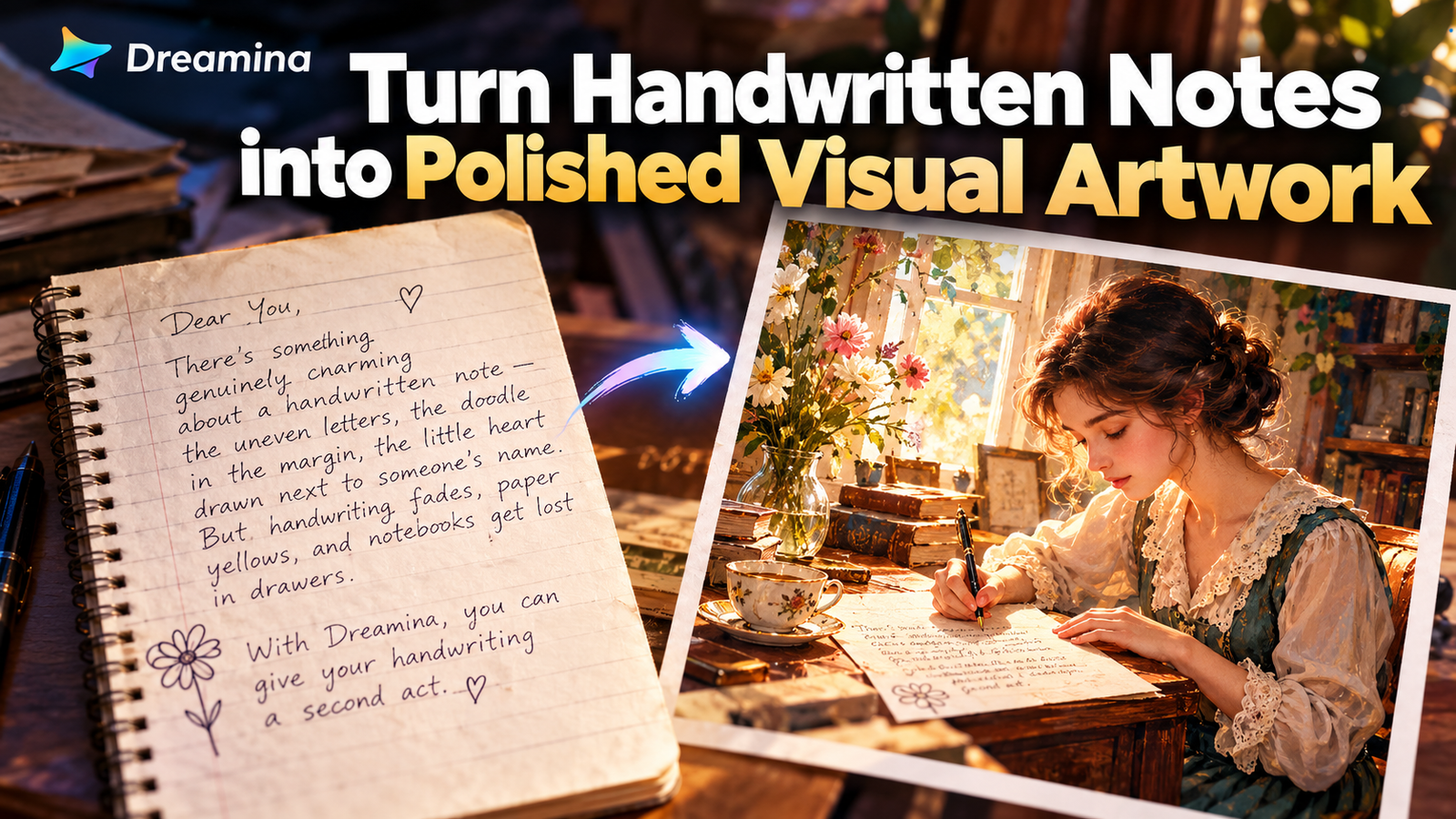
There’s something genuinely charming about a handwritten note — the uneven letters, the doodle in the margin, the little heart drawn next to someone’s name. But handwriting fades, paper yellows, and notebooks get lost in drawers.
An advanced image generator can preserve that personal touch while giving it a finished, artistic form that actually holds up as a piece of visual art.
Dreamina is particularly good at this kind of transformation, reading the mood and content of handwritten text and turning it into a fully realized illustration or scene, without losing the intimacy of the original.
Here’s how to give your handwriting a second act.
Why handwriting deserves more than a photo scan
A flat photo of a note captures the words but not the feeling behind them. Turning that same note into art — reinterpreting its tone, its setting, its emotional weight — creates something that feels like a keepsake rather than a document. It’s the difference between archiving a memory and actually celebrating it.
Reading the mood before you prompt
Every handwritten note carries a tone, and that tone should guide your visual direction. A love letter suggests warm light and soft color. A childhood drawing suggests playful, bright illustration. A grandparent’s recipe card suggests something cozy and textured, almost like a storybook page.
Before writing your prompt, ask:
- What emotion does this note carry?
- What era or setting does the handwriting style evoke?
- Should the final image feel realistic, painterly, or like a storybook illustration?
From notebook page to finished artwork in three moves
Dreamina makes the process of reinterpreting handwriting feel surprisingly natural.
Step 1: Write a text prompt and/or add a reference image
Visit Dreamina and describe a scene inspired by your note — who might have written it, where they’d be sitting, what the mood should feel like. Upload a photo of the actual handwritten note as a reference image so the model can echo its style and tone.
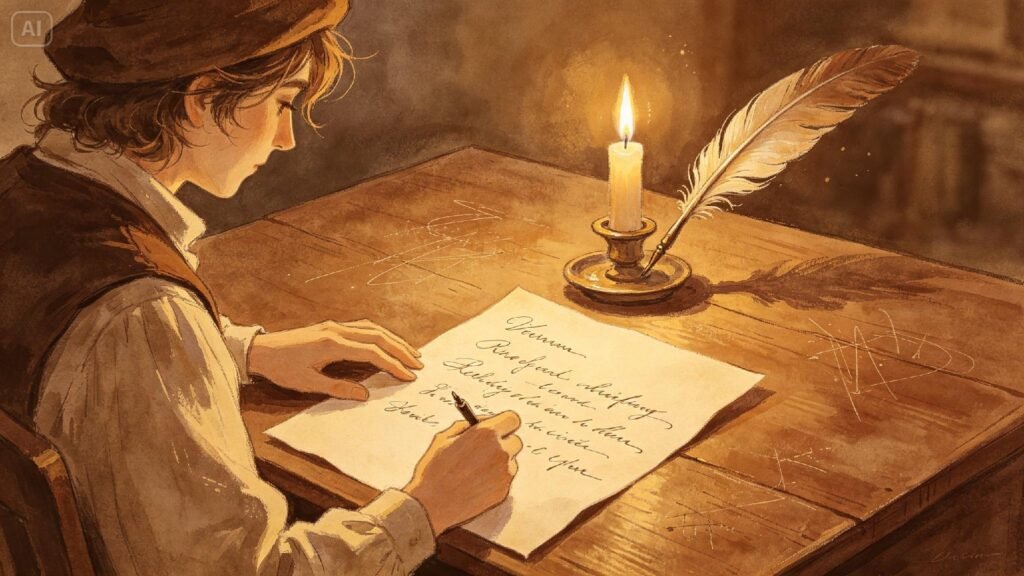
For instance: An illustrated scene of a young woman dressed in vintage 1920s clothing writing a letter at a sunlit window desk, ink pen in hand, soft watercolor texture, warm golden light, delicate and nostalgic mood.
Step 2: Adjust parameters and generate
Choose Image 5.0 Pro, powered by Seedream 5.0 Pro, for rich texture and emotional lighting, then set your aspect ratio, canvas size, and resolution — 1K works well for quick sharing, 2K for framing or printing. Click Dreamina’s generate icon to bring the scene to life.
Step 3: Customize and download
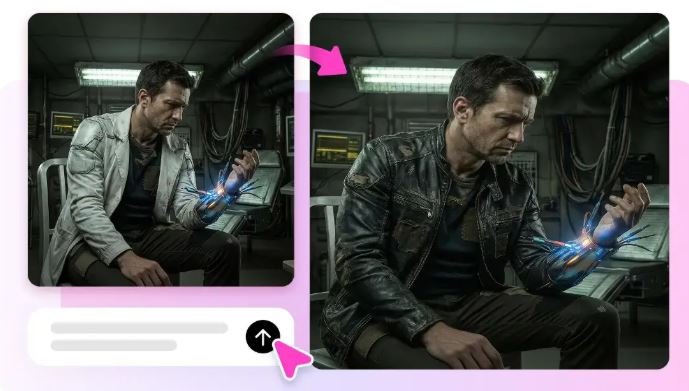
Polish the result using Dreamina’s editing tools: inpaint to adjust small details like handwriting props or expressions, expand to add more surrounding scene, remove to clean up any unwanted elements, and retouch for a final artistic finish. Click Download once it feels complete.
The engines that power Dreamina’s artistic range
Dreamina gives you access to a handful of different image models, and each brings something a little different to a project this personal.
Seedream 5.0 Pro, the newest addition, stands out here because of how well it handles soft, painterly textures and warm, emotionally toned lighting — exactly what nostalgic, note-inspired artwork calls for. It keeps fine details like fabric folds, paper texture, and handwriting-adjacent props looking natural rather than artificial.
Nano Banana is a solid choice for quickly testing a few different mood directions before settling on one, since it renders fast without sacrificing much clarity. GPT Image 2 shines when your prompt includes a lot of narrative detail — describing not just the scene but the backstory behind it — since it tends to follow longer, layered instructions closely.
Transforming elements of writing into elements of visual representation
Different little details from handwritten notes may be used as elements in visuals. For example, a flower in the corner may become something like a colony of flowers while an unusual sign may be used in the whole scenery. This allows a visual to be more closely connected to the initial page than just being inspired by it.
The age of the paper, style of the ink, presence of creases, stains, etc. are all important for creating the necessary atmosphere. The more details you transfer, the more personal the piece becomes.
Creating a series of notes
With one handwritten note several of images can be created. A set of letters, recipes, journal text, or child art could be transformed into one connected series using similar colors and styles. This technique works especially good for projects that are based family archives or memory theme.
You can turn several notes into several images and then transform them into a book, printed souvenir or visual story. Each image can reflect something important from the original text but in a completely different visual form.
Turning specific details into visual anchors
The most touching results come from including small, specific details from the actual note in your prompt — a particular phrase, a doodle, an object mentioned in the text. These tiny anchors give Dreamina something concrete to build around, and they’re often what make the final image feel personal rather than generic.
- A drawn symbol or doodle from the note
- A specific object or setting mentioned in the text
- The approximate era suggested by the handwriting style
Choosing an artistic style that fits
Not every note calls for the same visual treatment. Watercolor suits gentle, sentimental notes. Bold ink illustration suits playful or humorous ones. Soft photorealism suits notes you want to feel almost like a memory captured in a photograph.
Where these pieces find a home
Artwork built from handwritten notes tends to end up in meaningful places:
- Printed and framed as personal gifts
- Digital scrapbooks and memory albums
- Anniversary or memorial tribute pieces
- Custom greeting cards and keepsake prints
Preserving what paper can’t hold onto forever
Handwriting is one of the most personal things a person leaves behind, and it deserves more than a fading page in a drawer. With Dreamina and the detail-rich rendering of multiple models, you can turn a few scribbled lines into artwork that actually lasts — and it costs nothing to start the first draft.